Listen with intention.
Hear the whole piece before you zoom in. Sampled piano and ensemble playback bring the notation into focus, helping you connect the marks on the page with the sound you’re working toward.
Meet your music companion
Bring your score. Explore the notes, hear your part, and practice at your pace.
Piano, strings, winds & more.
See how it worksMade for your music. At home on iPhone & iPad.

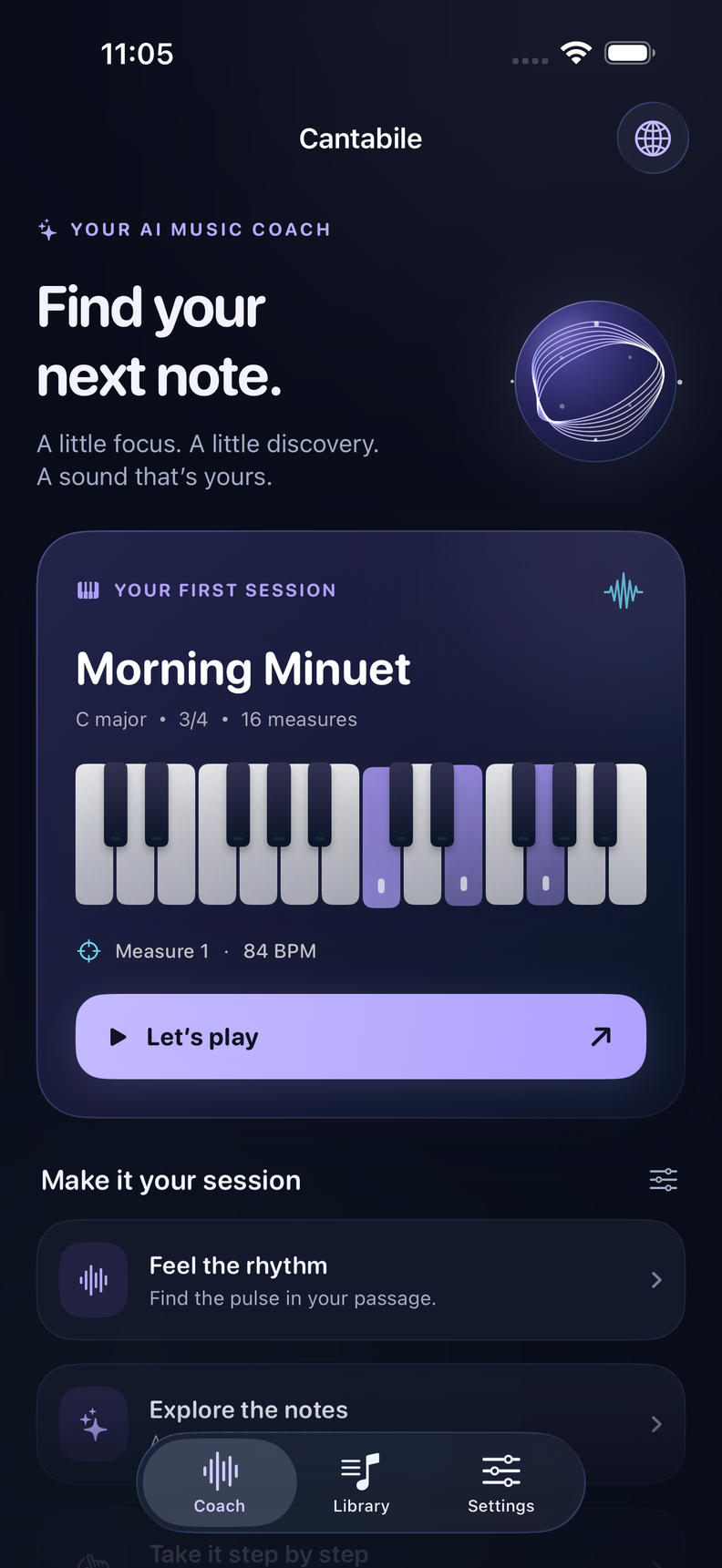

A closer connection to your music
Take a tricky passage at your pace. Hear your part, loop it, and explore the notes with your coach.
With your score and guidance together, there’s less switching between tools and more time for the music in front of you.
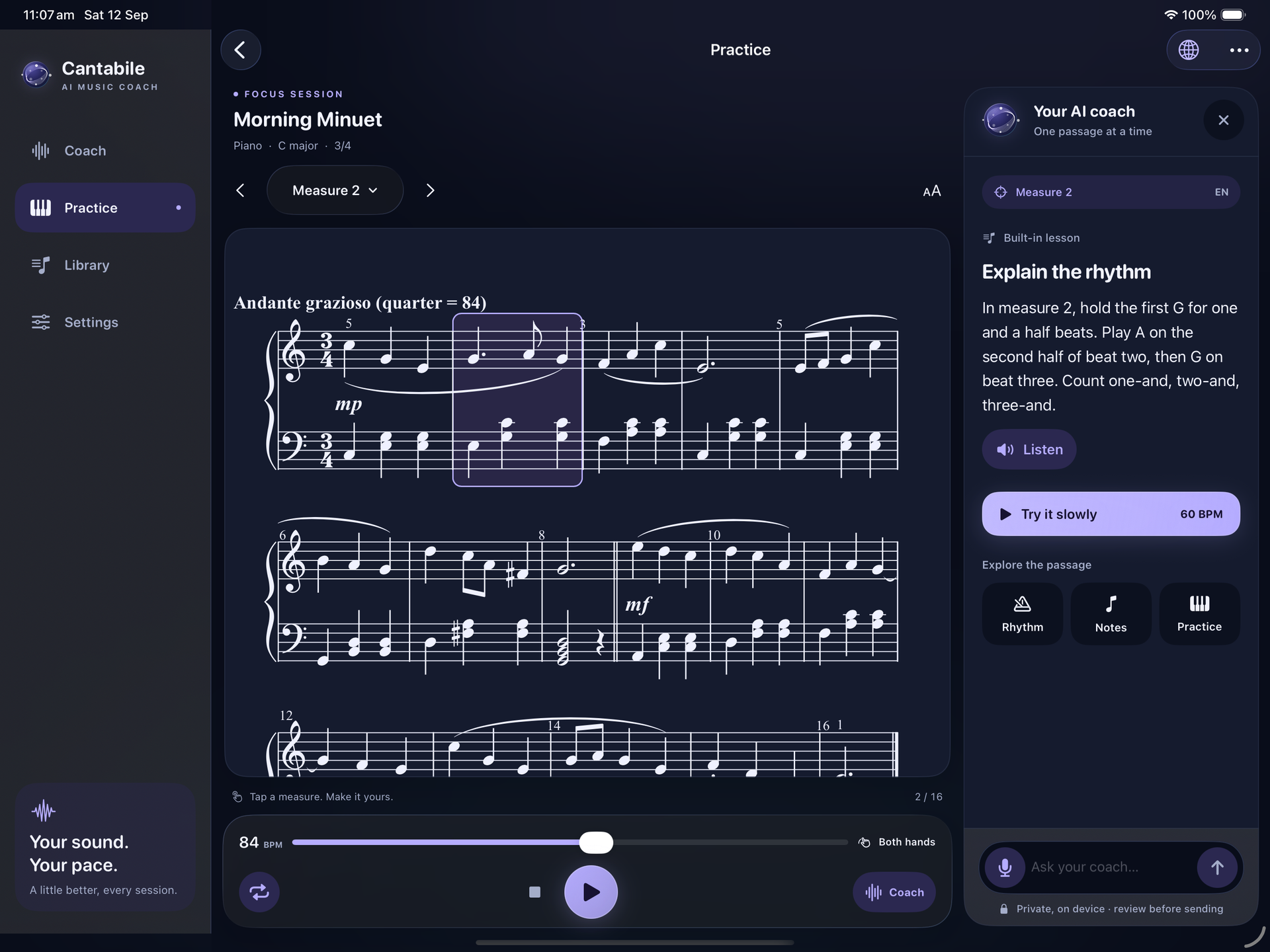


Make it your session
Bring your MusicXML scores into a library that stays with you. Choose your part in an ensemble, follow the notation, and hear how it fits into the piece. From piano and guitar to violin, cello, and flute, there’s room for more than one kind of musician.
A difficult passage doesn’t need another rushed run-through. Adjust the tempo, select the measures you want to work on, and let them repeat. Use a count-in to settle into the pulse, or practice each piano hand separately before bringing them together.
Ask a question about the notes or rhythm in your selected passage. Your coach draws on the score to explain what’s happening, in words you can read or hear. Explore a musical idea, then return to the passage with something specific to try.
Small steps. Real discovery.
Some days, progress is a whole piece. Other days, it’s one rhythm that finally makes sense. Solfena gives you space for both, with tools that help you listen closely and make each session your own.
Hear the whole piece before you zoom in. Sampled piano and ensemble playback bring the notation into focus, helping you connect the marks on the page with the sound you’re working toward.
Start with the moment that makes you pause. Look at the notes, ask about the rhythm, and listen again. Understanding one small detail can change how you approach the rest of the phrase.
Give a passage the time it needs. Repeat it at a comfortable tempo, try what you’ve learned, and return to the full piece when you’re ready. Your last practice settings are there when you come back.
A few things you might wonder
Get to know your music companion.
No. Solfena supports scores for a range of instruments, including violin, cello, acoustic guitar, and flute, as well as piano. With a compatible ensemble score, you can choose the part you want to explore while hearing the other parts alongside it.
Yes. Import compatible MusicXML files in .musicxml, .xml, or compressed .mxl format. Solfena keeps a local copy in your library, where you can rename a score, open it for practice, or read it full screen. PDF and photo imports are not supported.
You can change the playback tempo and loop a selected passage, or listen to the whole piece. An optional count-in helps you find the beat. For piano parts, separate-hand playback lets you focus on one hand while you get comfortable.
Ask about notes, rhythms, and ways to practice the selected measures. Type a question or speak it, review the transcript, and send it. The microphone is for spoken questions; Solfena does not listen to or grade your instrumental performance.
Coaching is available in English and Brazilian Portuguese. You can read the explanations or listen to them spoken aloud, and switch the coaching language inside the app. This website is currently available in English.
Your imported scores, playback, built-in lessons, and bundled spoken voices run locally. Live AI answers require a compatible device with Apple Intelligence enabled and its model ready. Spoken-question recognition also depends on on-device language availability. Built-in explanations and text entry remain available when those features aren’t ready.